Fixed IP SIM

Fixed IP SIM card for secure remote access

Add a static public IPv4 to any Simbase SIM from the dashboard and get reliable remote access to any IoT device.
sim image

How a Fixed IP SIM works?

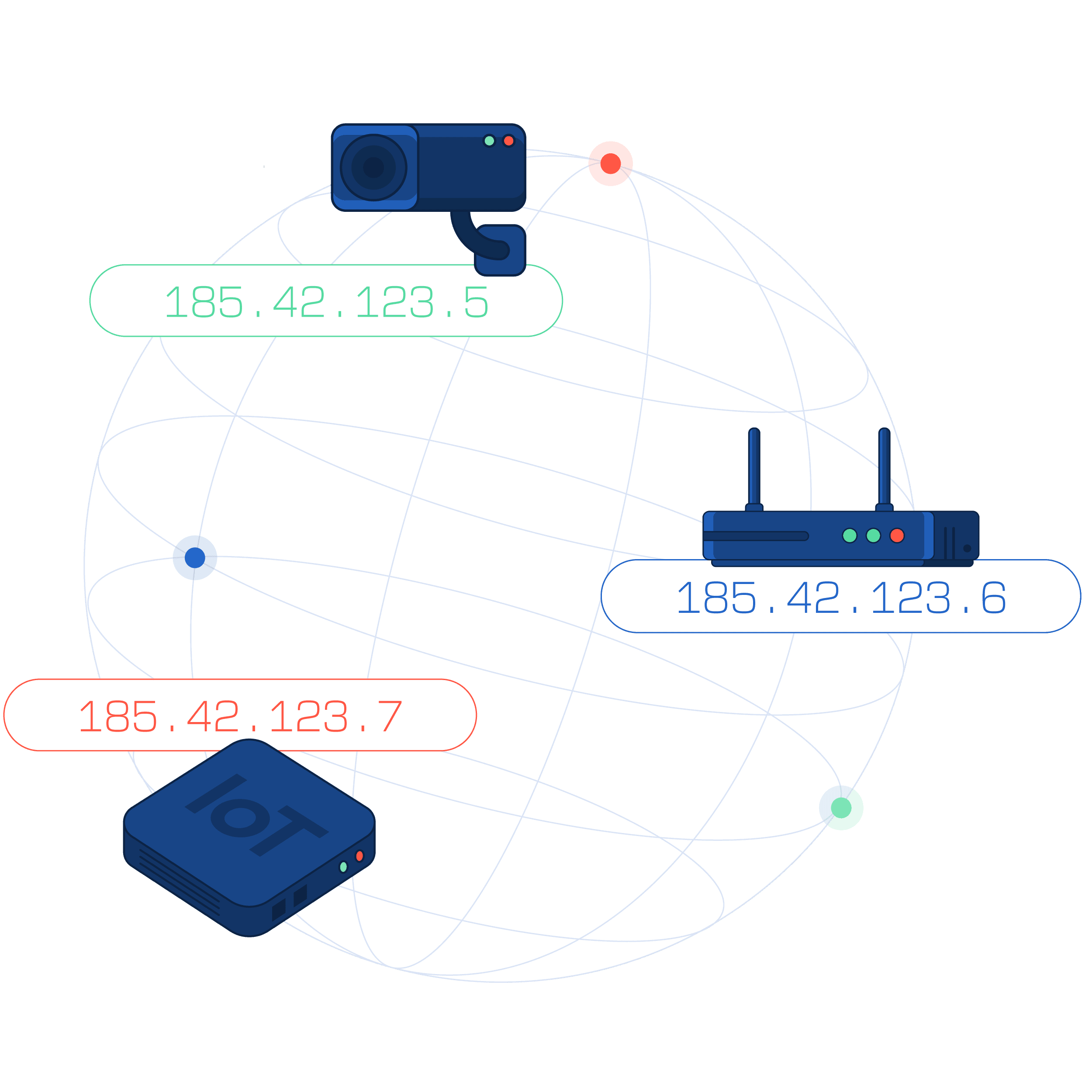
Most mobile networks put IoT devices behind carrier NAT, which blocks inbound traffic. Add Fixed IP to any Simbase SIM in the dashboard and we assign a static public IPv4 to that SIM. The device keeps the same address every time it connects, so you can reach it from anywhere for remote access and add it to firewall allow lists. It is a straightforward way to bypass NAT when you need reliable inbound connectivity.

Consistent Remote Access

Secure Connectivity

Access device services

Consistent Remote Access

Assign a static public IPv4 to each SIM so your device is reachable at the same address even after reboots or roaming. Skip carrier NAT and initiate inbound connections for admin, streaming, or diagnostics. Add the IP to firewall allow lists and set basic access rules from the Simbase dashboard.

image

With Carrier NAT

IoT devices sit behind carrier NAT with private addresses. Outbound traffic to your cloud works, but inbound connections are blocked. You cannot reach the device directly with HTTP, SSH, RTSP, or Modbus TCP. IPs can change after reboots or roaming, so firewall allow lists break. Workarounds like VPN hubs, reverse tunnels, or relays add cost and latency.

With a Fixed IP SIM

Each SIM gets a static public IPv4 that stays the same across reboots and roaming. You can reach the device from anywhere at its IP and port for remote access and admin. Open only the ports you need and limit inbound traffic to trusted source IPs in the Simbase dashboard. Use TLS or SSH for encryption. This cleanly bypasses carrier NAT and enables reliable inbound connections.

Where Fixed IP SIMs

Make a Difference

CCTV & Security Systems

Remotely access DVRs, NVRs, and IP cameras at a static public IPv4, even on temporary or off grid sites. Connect directly without relays and reach devices whenever you need.

more details icons

See more details

    • View RTSP or ONVIF streams at the device IP and port
    • Open camera admin pages for setup and firmware updates
    • Bypass carrier NAT with a fixed IP SIM for inbound access
    • Allow list device IPs in partner firewalls and set port rules in the dashboard
    • Works with LTE and 5G routers, NVRs, and PoE camera deployments

Digital Signage & Media Players

Keep content fresh across remote screens without relying on venue Wi Fi. A fixed IP SIM gives each player a static public IPv4 so you can reach it directly for updates and support.

more details icons

See more details

    • Open the player or CMS admin page at the device IP and port
    • Use remote desktop or SSH where supported for quick fixes
    • Bypass carrier NAT for reliable inbound access to each screen
    • Allow list device IPs for ad servers, APIs, and partner firewalls
    • Stable IP across reboots and moves; set port and source IP rules in the dashboard

Out-of-Band Network Management

Reach routers and switches during outages or from off site. A Fixed IP SIM assigns a static public IPv4 so you can connect to management UIs and SSH even when the primary WAN is down.

more details icons

See more details

    • Connect to router and switch admin pages or SSH at a known IP
    • Recover devices and push config during WAN outages
    • Keep an independent LTE or 5G path for emergency access
    • Limit inbound traffic with port rules and source IP allow lists in the dashboard

Remote monitoring in energy and agriculture

Monitor and control field equipment at remote sites with a fixed IP SIM. Each device gets a static public IPv4 so you can connect to inverters, turbines, pumps, and gateways from anywhere.

more details icons

See more details

    • Reach solar inverters, wind turbine controllers, irrigation systems, and weather stations at a known IP
    • Pull logs and metrics with HTTP or HTTPS, Modbus TCP, SNMP, or vendor tools
    • Apply configuration and firmware updates without site visits
    • Allow list device IPs for SCADA servers and partner networks
    • Stable inbound access after reboots and roaming; set port and source IP rules in the dashboard

Industrial control and PLC

Access PLCs, RTUs, HMIs, and gateways at a static public IPv4 for maintenance and diagnostics. Connect directly from SCADA and engineering tools without relays.

more details icons

See more details

    • Reach devices at a known IP using Modbus TCP, HTTP or HTTPS, SNMP, and vendor utilities
    • Stable inbound access after reboots and roaming since the IP does not change
    • Allow list device IPs in OT firewalls and partner networks
    • Open only required ports and limit source IPs in the Simbase dashboard
    • Works with cellular gateways, industrial PCs, and PLCs from major vendors

Frequently Asked Questions

If any of your questions remain unanswered, reach out to our team to answer them for you.

What is a Fixed IP SIM Card?

A Fixed IP SIM card assigns a static (unchanging) IP address to a device, making it easily reachable from anywhere on the internet or through a private network. This consistent addressing enables seamless remote access and monitoring, which is essential for IoT deployments such as surveillance cameras, industrial automation systems, and remote sensors.

How does a SIM Card with a Static IP benefit IoT devices?

A static IP address allows for persistent, two-way communication with your IoT device. This is especially valuable for remote management, real-time data streaming, and over-the-air updates. It also enhances security by enabling strict firewall rules and access controls, reducing the attack surface and improving network integrity.

What are the key features of Fixed IP SIM Cards?

Fixed IP SIMs offer several capabilities tailored to industrial and remote deployments:

  • A permanent IPv4 address that doesn’t change
  • Compatibility with public or private IP setups
  • Seamless integration with secure VPN protocols (e.g., IPsec, OpenVPN)
  • Easy setup and control through platforms like the Simbase Dashboard or API
  • Ideal for remote access, diagnostics, and global device management

Which industries benefit most from IoT devices with Fixed IP SIMs?

Fixed IP SIMs are used across industries where reliable remote access, monitoring, and control are essential. This includes:

  • Security & Surveillance (e.g., CCTV cameras, mobile surveillance)
  • Energy & Utilities (e.g., smart meters, grid monitoring)
  • Industrial Automation (e.g., PLCs, remote diagnostics)
  • Healthcare (e.g., remote patient monitoring)
  • Retail & POS (e.g., payment terminals with failover needs)
  • Agriculture (e.g., precision farming sensors)

How secure are IoT devices with Fixed IP SIM Cards?

Fixed IP SIMs can be highly secure when configured correctly. They allow for the creation of precise firewall rules and secure VPN tunnels, reducing exposure to unauthorized access. When paired with private APNs and encryption protocols, they offer enterprise-grade security for sensitive IoT deployments.

Can Fixed IP SIM Cards be used internationally?

Yes. Fixed IP SIMs from Simbase are built for global deployment, with multi-network connectivity across dozens of countries. This makes them ideal for distributed IoT systems operating across regions or continents.

How do I set up a Fixed IP SIM Card in my IoT device?

With Simbase, enabling a Fixed IP is simple. You can assign a static IP to any SIM from the dashboard with just a click — no complex networking setup required. For more advanced configurations (like VPN integration or custom routing), Simbase provides developer-friendly documentation and support.

Are there any challenges with using Fixed IP SIM Cards?

While Fixed IP SIMs offer strong benefits, there are a few considerations:

  • Cost: They are typically more expensive than dynamic IP SIMs.
  • Security Risk: Because the IP address doesn’t change, it can be more vulnerable to targeted attacks if not protected by VPNs and firewalls.
  • Configuration Complexity: Advanced networking setups (e.g., private APNs, static routing) may require IT involvement depending on the use case.
get started image

Get Started with Simbase

  • arrowConnect
  • arrowManage
  • arrowSecure