


 All posts
Introducing Billing Groups: Cost Allocation for your SIM Fleet
You asked, we built it. Billing Groups are now live for all Simbase customers, on every plan, at no extra cost.
If you manage SIM cards across multiple projects, departments, or end customers, you have probably run into the same question our customers kept asking us: "Connectivity works fine, but how do I figure out what each project actually costs?" Until now, the honest answer involved spreadsheets and manual work. Not anymore.
What are Billing Groups?
A Billing Group is a way to allocate connectivity costs to whatever structure makes sense for your business: a project, a department, a customer, a product line. Assign SIM cards to a group, and from that moment on, every charge those SIMs generate is counted toward that group.
That includes everything a SIM card costs you: subscription fees, data usage, SMS, and all other SIM-related charges. The result is a clear, per-group cost breakdown you can find on the new Cost Overview page under Billing. And because numbers you cannot export are numbers you cannot use, every overview can be downloaded as an Excel or CSV file, ready for your accounting workflow or your own customer invoicing.
Wait, isn't this just tags?
Fair question. Billing Groups look similar to tags in the dashboard, but they solve a different problem, and one design decision makes all the difference.
Tags answer the question "what is this SIM for?" They are flexible labels for managing your fleet: filter by device type, project, deployment region, whatever you like. A SIM can carry as many tags as you want, because organizing and filtering benefits from that flexibility.
Billing Groups answer the question "who pays for this SIM?" And for that question, flexibility would be a bug, not a feature. A SIM can belong to exactly one Billing Group at a time. If a SIM could sit in multiple groups, its costs would be counted multiple times, and your group totals would no longer add up to your invoice. With Billing Groups, every euro or dollar is allocated exactly once. Your cost overview always reconciles.
One more thing worth knowing: cost allocation starts from the moment a SIM joins a group. It is not applied retroactively. Each charge is recorded against the group the SIM belonged to when the cost was incurred, which gives you a clean, trustworthy audit trail. If you move a SIM to a different group mid-month, past costs stay where they belong and new costs follow the SIM.
Who is this for?
We built Billing Groups for the people who have to answer for the numbers, not just the connectivity:
Project managers who need to track connectivity spend per project or deployment
Finance teams who allocate costs internally across departments or cost centers
Business owners who want a clear view of which parts of the business drive connectivity costs
Companies that rebill their end customers, using per-group exports as the basis for their own invoicing
In the first days after launch, we have already seen customers using Billing Groups for internal cost contributions across projects, and we expect the rebilling use case to grow quickly.
How to get started
Go to select a SIM in your SIM overview in the Simbase dashboard
Create a group for each project, department, or customer
Assign your SIM cards to the right groups
Watch the Cost Overview fill up, and download the report whenever you need it
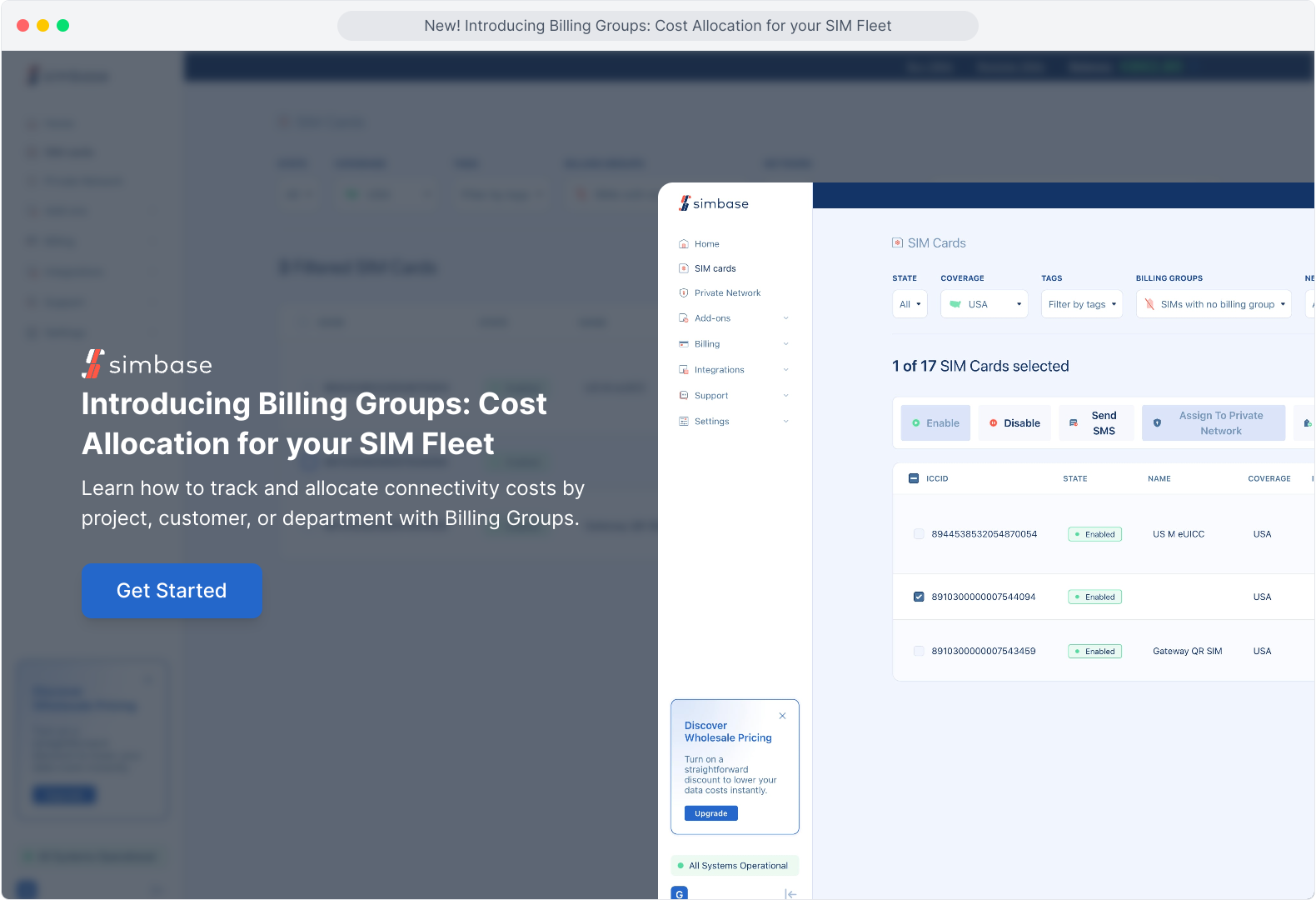
Check out this quick demo to learn how to allocate connectivity costs by project, customer, or department with Billing Groups.
Like everything at Simbase, it is self-service and available right now. No sales call, no plan upgrade, no setup fee. For those of you managing your fleet through the Simbase API: Billing Groups are dashboard-only for now, with API support on the roadmap.
Log in to your dashboard to create your first Billing Group, and let us know what you think. This feature exists because customers asked for it, and the next improvement will too.